
Help / Tutorials
(Fix wrong club or shot reading issues)
If the simulator is not reading your shot correctly, the selected club may need to be changed. This video shows how to switch clubs on the screen so the system properly registers your shot.

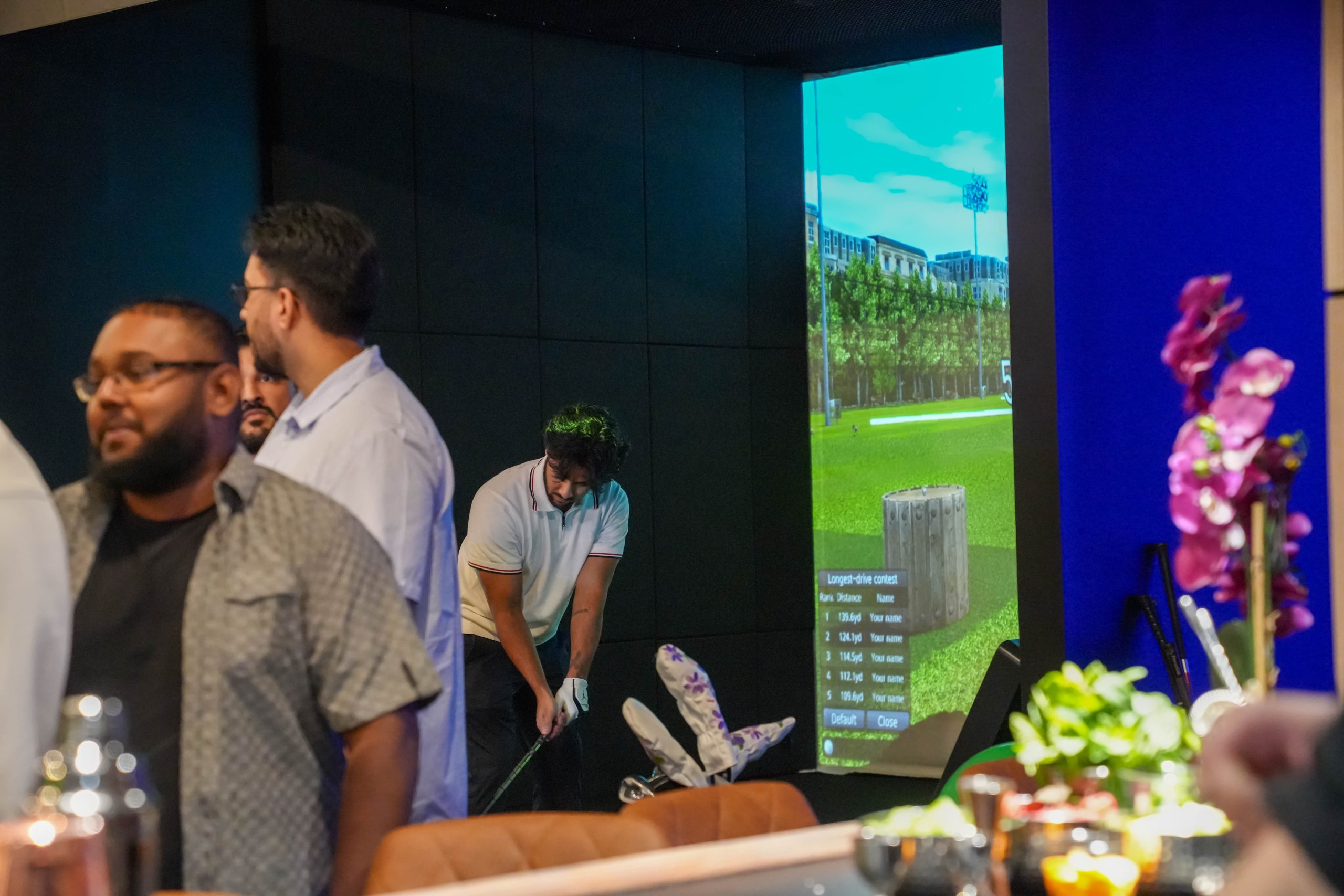
How to Change a Broken Tee
(replace broken tee during session)
If a tee breaks during your session, this video shows how to remove the broken tee, replace it with a new one, and continue your round safely.
How to Put Back a Knocked Over Sensor
(Reposition Sensor)
If a sensor gets knocked over or moved out of place, this video shows how to carefully put it back into position so the simulator can continue tracking properly.

QUICK TROUBLESHOOTING CHECKLIST
- Make sure the selected club matches the shot you are hitting.
- Make sure the ball is placed in the correct hitting area.
- Make sure the ball pockets are full.
- Make sure the sensor is upright and in the proper position.
- Make sure the auto tee is not jammed.
- Restart the current step or return to the main screen if needed.